Grain as a PureRef alternative
PureRef is a superb canvas, and for years it has been the standard answer. The question it never answers is what happens after the five-hundredth image: finding anything again, keeping months of collecting safe, and collecting more than images. Grain starts there.
| Grain | PureRef | |
|---|---|---|
| Canvas | Freeform infinite canvas, plus a grid mode | Freeform infinite canvas |
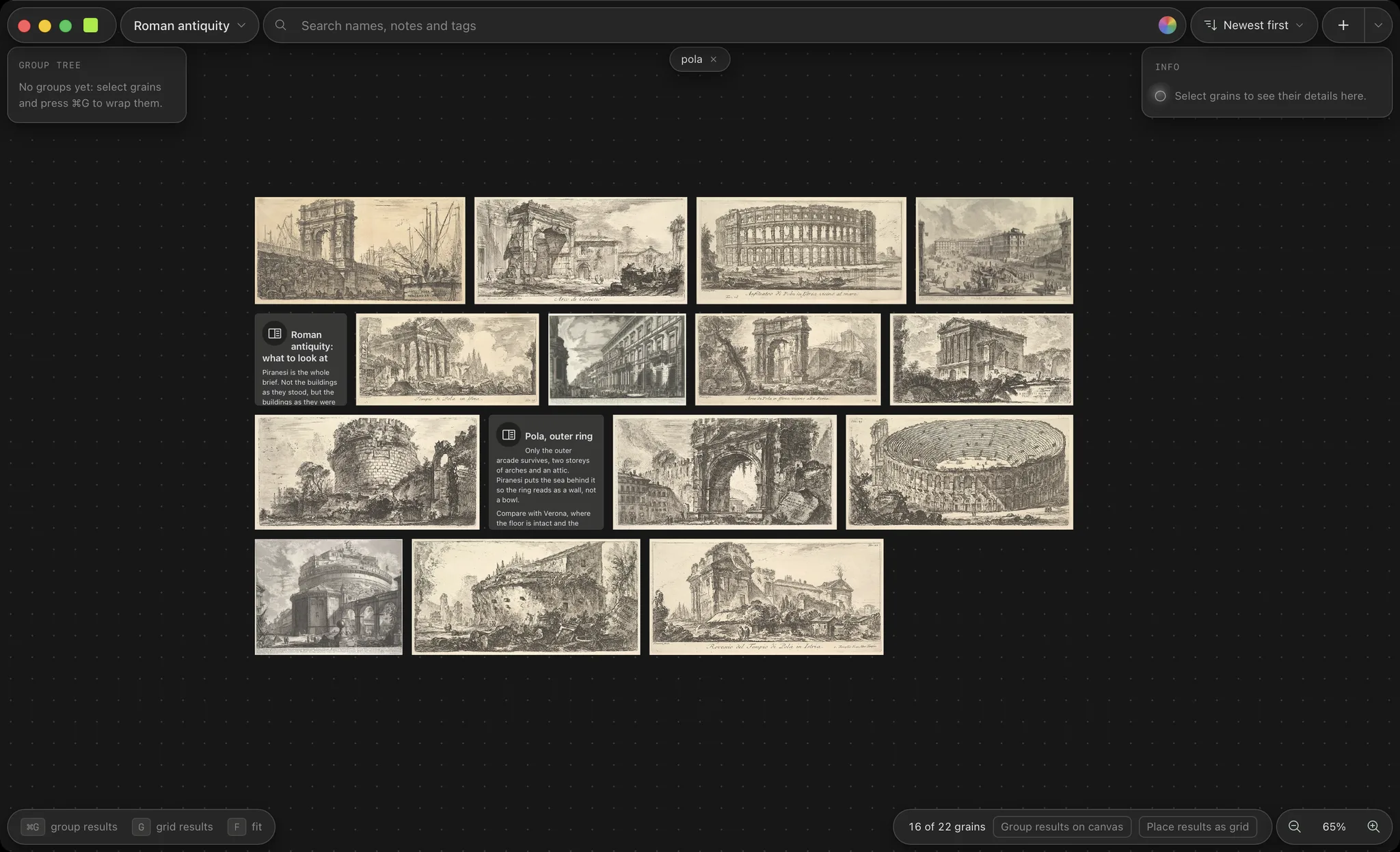
| Finding things again | Search across every store: tags, colours, filenames, note text, and search by meaning | Scrolling |
| What a store holds | Images, audio with waveforms, video embeds, webpage links, 3D models and markdown notes | Images and video |
| Where your work lives | Ordinary files in folders you choose; the library is a rebuildable index | One board file embedding every image |
| If the worst happens | Your files sit untouched on disk; the index can always be rebuilt from them | A corrupted board file can take the whole board with it |
| Moving between machines | Folders are plain files, so any sync you already use works | Shuttling board files by hand |
| Price | Free for three stores; one payment for everything, forever | Pay what you want for personal use; paid commercial licences |
What PureRef still does better
The floating overlay. PureRef can pin itself above your painting app, go transparent to clicks, and stay there while you eyedrop from it. Grain has an always-on-top tacked window for a single image, but no whole-canvas click-through overlay, and if that is the centre of your workflow, PureRef remains the right tool; plenty of people run both. PureRef also runs on Linux today, while Grain runs on macOS and Windows.
Questions
- Is Grain free like PureRef?
- The download is free and stays free for three stores, with every feature included. A licence for unlimited stores is a one-time purchase, never a subscription.
- Can Grain import my PureRef boards?
- Yes. Choose “New store from PureRef board…”, pick a .pur file, and Grain reads the board, watches the folder its images live in, and lays them out on a canvas of its own. The images stay where they are on disk: nothing is copied out of the board file or moved.
- Does search by meaning send my images anywhere?
- No. It is an optional download that runs entirely on your machine: nothing is uploaded, nothing is generated, and nothing is ever trained on your work. Skip or remove it and Grain searches by tag, colour and text alone.
Try it on your own folders
The download is free for three stores with every feature included, and nothing is imported anywhere: point it at a folder and it is a store.
Free download · macOS 12+ (Apple Silicon) · Windows 10/11 (x64) · Licence: €20 one-time
- Download for macOSmacOS 12+ (Apple Silicon)
- Download for WindowsWindows 10/11 (x64)
Still deciding? Grain compared with Eagle.